


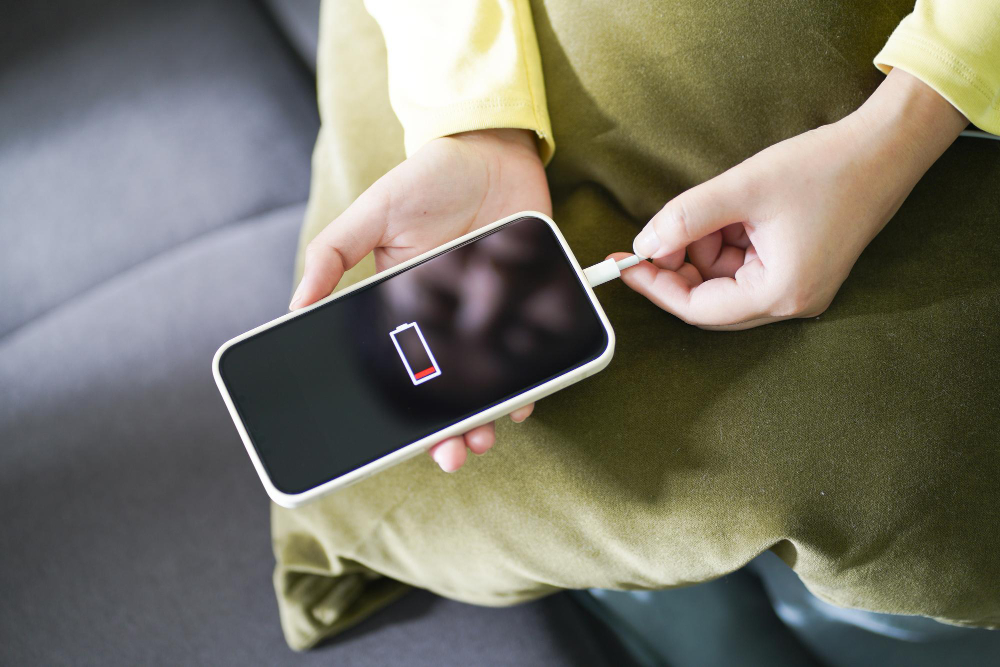
Is Your Battery Dying Too Fast? Here’s How to Make It Last All Day Battery Anxiety is Real – Here’s How to Beat It Without a New Phone Battery Draining Fast? Proven Ways to Boost Your Phone’s Battery Life
Let’s uncover the real reasons your phone battery dies too quickly and explore simple fixes that actually work.
Apps like Instagram, Maps, and even email keep running in the background. They use Wi-Fi, GPS, and sync data—even when you’re not using them.
Fix: Check Settings > Battery > Usage and restrict heavy apps from running in the background.
Your display is the single biggest energy consumer. A phone at 100% brightness will drain almost twice as fast as one at 50%.
Fix: Use adaptive brightness or keep brightness at a comfortable 30–50%. Switching dark mode ON helps save battery too.
Leaving Wi-Fi, Bluetooth, mobile data, GPS, and even NFC ON all the time quietly drains your power.
Fix: Switch off what you don’t need.
Maps, ride-hailing apps, weather, and even camera apps request your location in the background.
Fix: Set location access to “While Using App” instead of “Always.”
Every ping from social media, shopping apps, or games wakes your phone up.
Fix: Turn off notifications for non-essential apps.
Over time, lithium-ion batteries lose their capacity. If your phone is older than 2–3 years, the battery may naturally hold less charge.
Fix: Check battery health in settings (iPhone shows percentage; Android has apps). If below 80%, consider a professional battery replacement.
Leaving your phone to constantly hit 0% or 100%, or charging it overnight daily, weakens your battery over time.
Fix: Charge between 20–80%. Use original or certified chargers only.
Fancy wallpapers and widgets constantly refresh, eating up power.
Fix: Stick to static wallpapers and remove unnecessary widgets.
Old versions often have bugs that cause overheating and power leaks.
Fix: Keep your OS and apps updated. Restart your phone once a week.
High temperatures damage battery health and cause rapid drain.
Fix: Don’t leave your phone in hot cars or direct sunlight. Remove the case if it gets too hot.
Constant syncing for email, cloud storage, and calendars eats battery.
Fix: Change auto-sync to manual or longer intervals.
When to See a Repair Expert
If your phone still drains too fast after all fixes, it could be a hardware issue:
A certified mobile repair service can diagnose and replace the battery safely, ensuring original parts and long-term performance.
Conclusion:
A draining phone battery isn’t just annoying—it can disrupt work, travel, and even emergencies. By following these 11 practical fixes, you can extend your phone’s life and avoid premature replacements.
But remember: if your phone feels hot, charges abnormally, or dies within hours despite these changes, it’s time to let a professional repair technician take over.
Because your phone is more than a device—it’s your daily partner. Keep its battery healthy, and it will keep you connected, productive, and stress-free.